
Core Concepts

Midjourney, μάθημα #1: πρώτα prompts και πλοήγηση

Core Concepts Web Design & Consult
Για να ξεκινήσουμε, πρέπει να συνδεθούμε στην εφαρμογή Discord. Μπορούμε να χρησιμοποιήσουμε είτε την εφαρμογή είτε απλώς να ανοίξουμε το Discord στο web. Τα βήματα για να αρχίσετε να χρησιμοποιείτε το bot του Midjourney:

1. Επισκεπτόμαστε τον ιστότοπο του Midjourney: https://www.midjourney.com/home
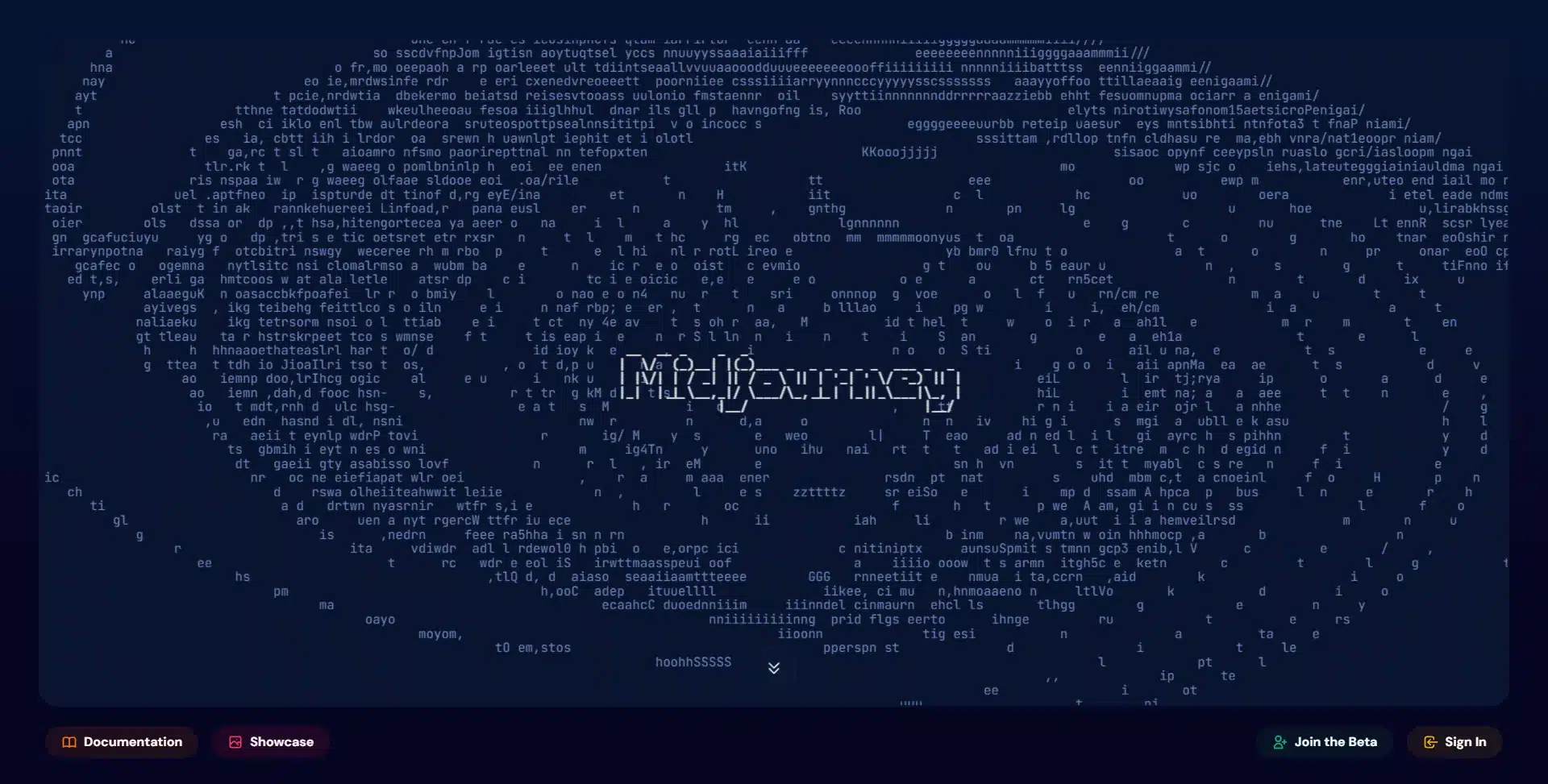
Midjourney home page showing the site's swirling particle artwork

2. Πατάμε την επιλογή κάτω δεξιά: Sign In
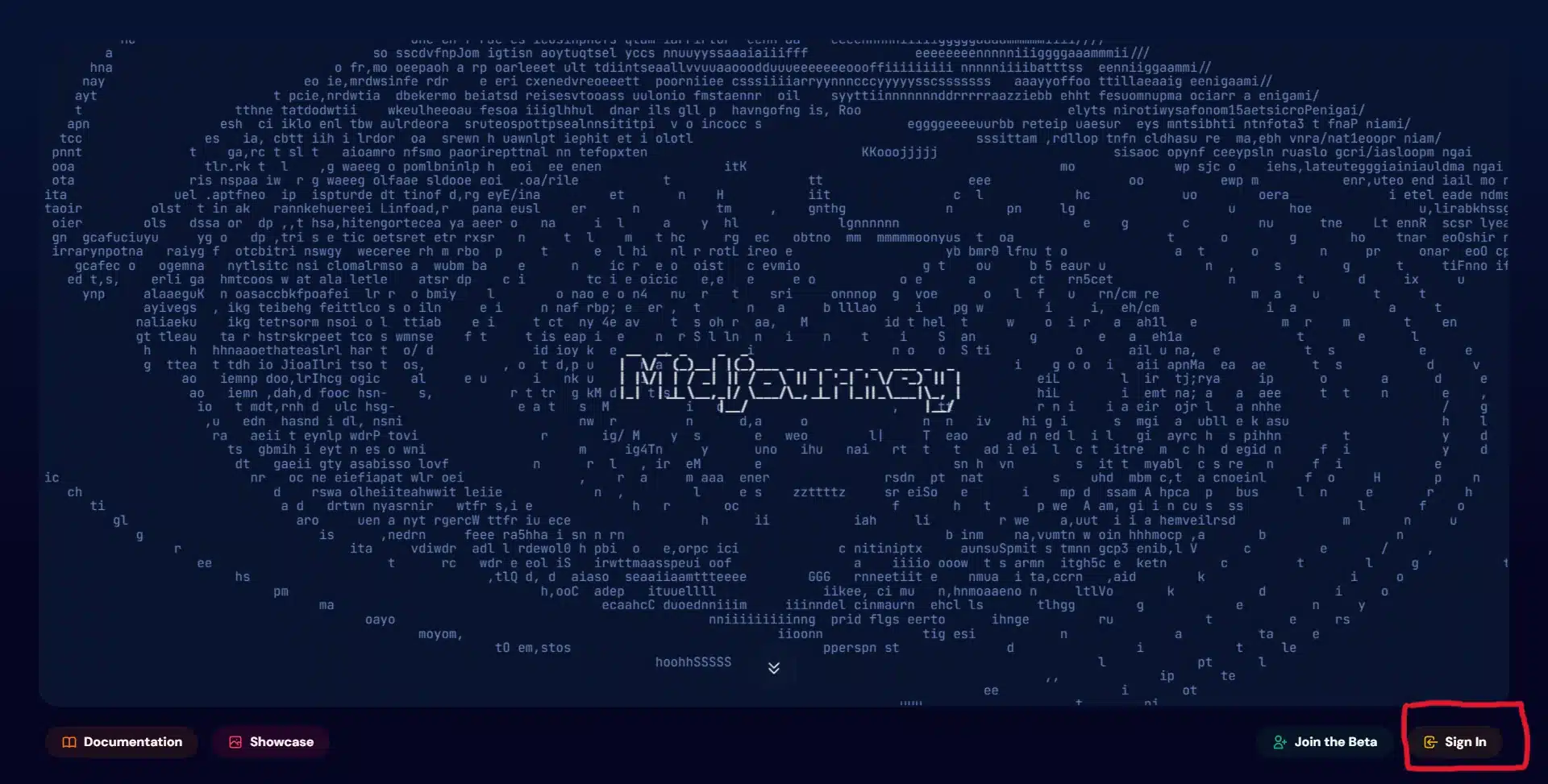
Midjourney home page with the Sign In button highlighted in the bottom right corner

3. Συμπληρώνουμε τα στοιχεία μας για το Discord, στον πίνακα που εμφανίζεται.
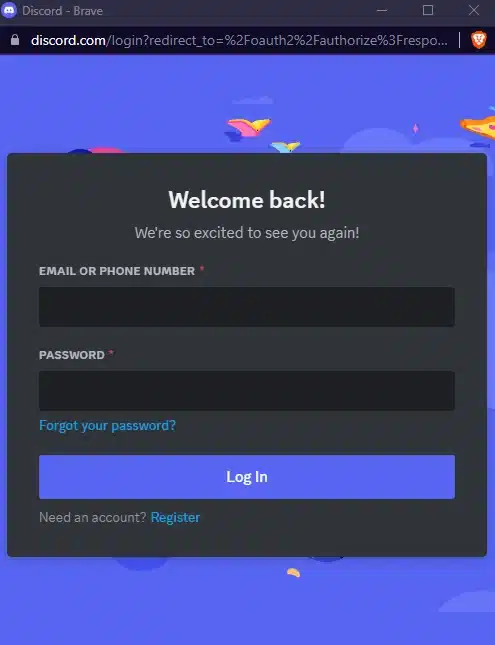
Discord login screen headed Welcome back, with email and password fields

4. Συνδεόμαστε στο Discord και πηγαίνουμε στα προσωπικά μας μηνύματα, όπου βρίσκουμε το bot του Midjourney και το επιλέγουμε για να ανοίξει η συνομιλία.
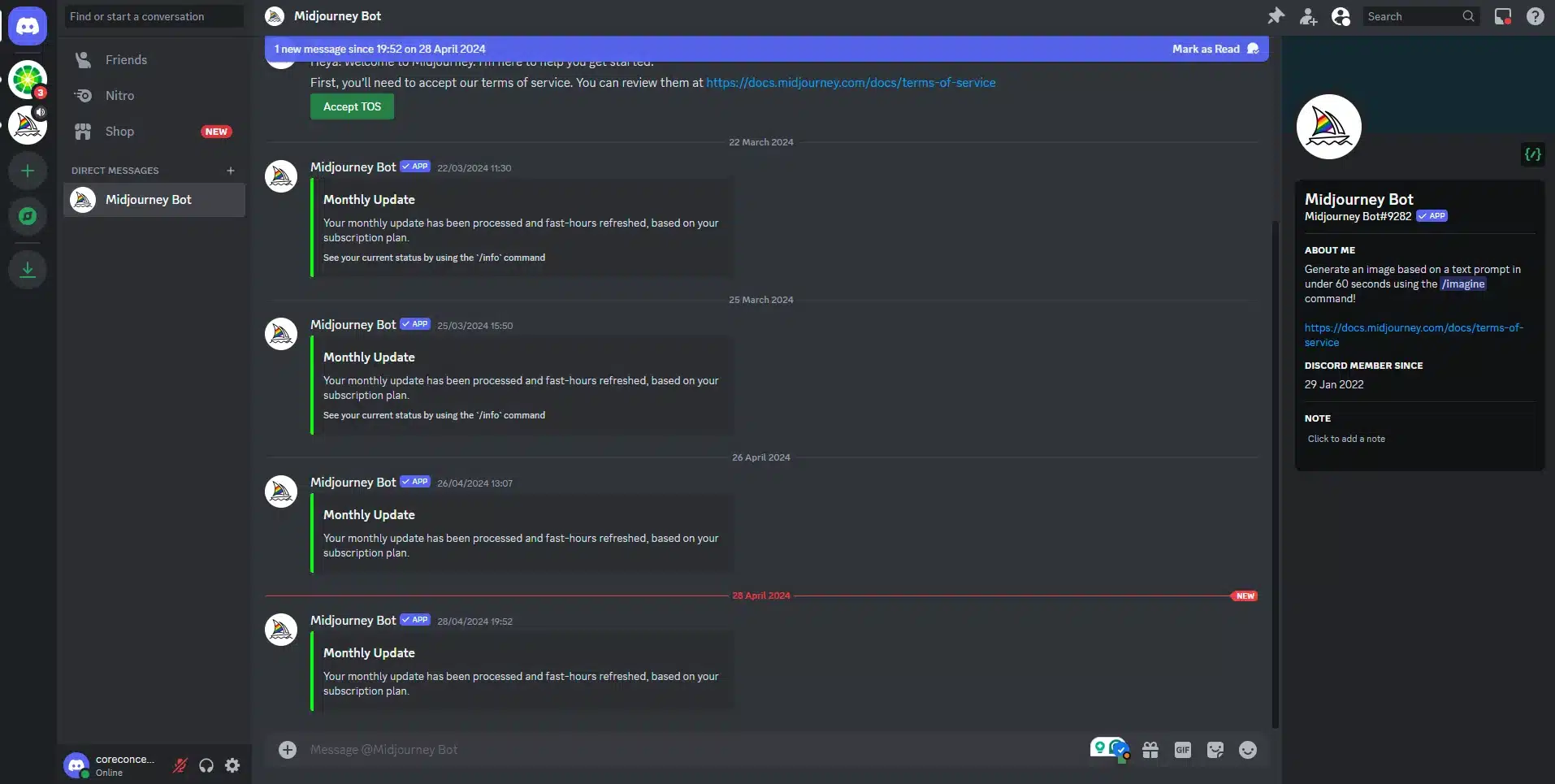
Discord direct message window with the Midjourney bot selected in the sidebar

5. Στο πλαίσιο μηνύματος μπορούμε να αρχίσουμε να γράφουμε prompts για τη δημιουργία εικόνων.
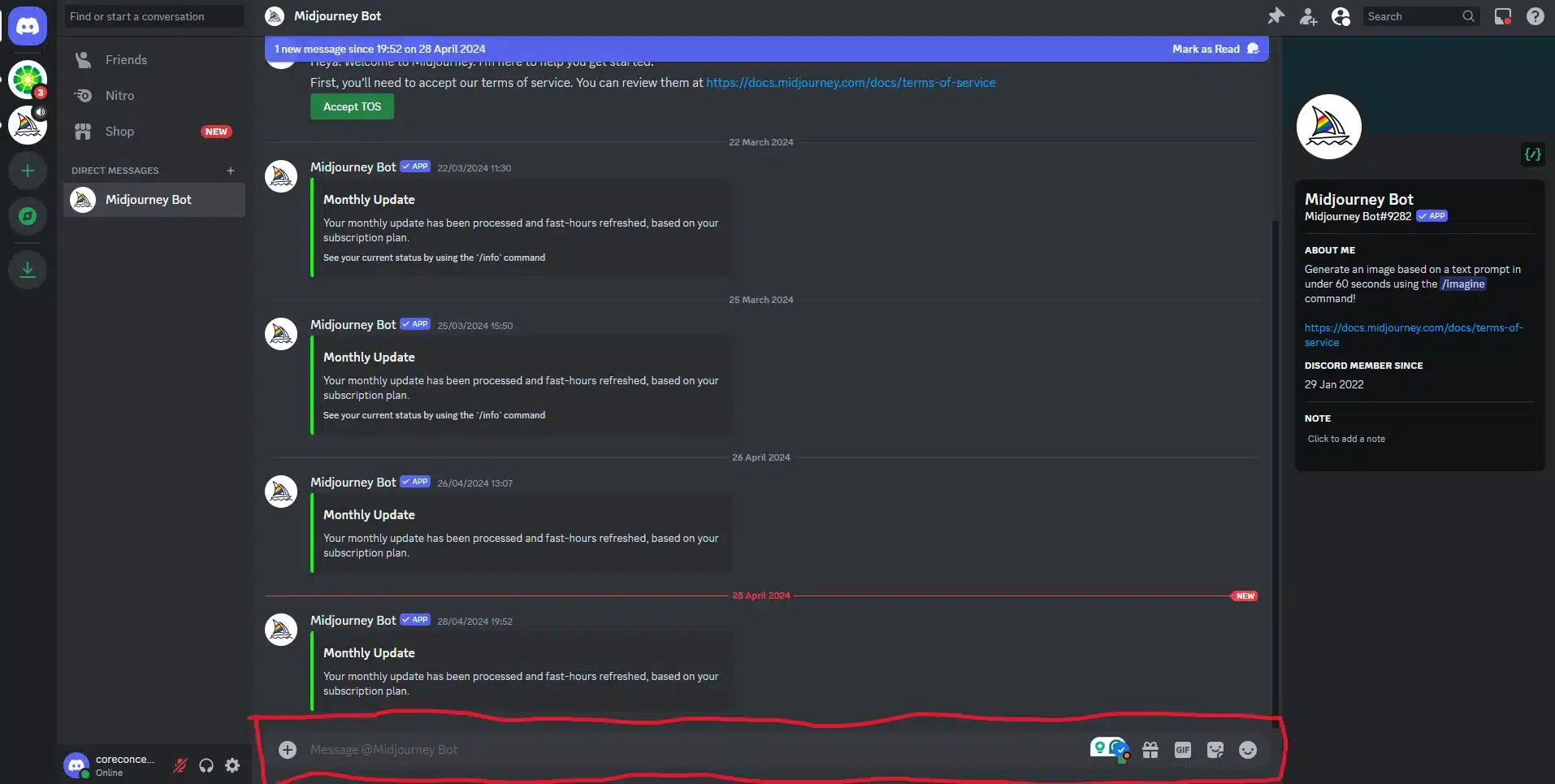
Discord conversation with the Midjourney bot, with the message box highlighted at the bottom of the screen

Πώς γράφουμε prompts στο bot του Midjourney

1. Ξεκινάμε πάντα το μήνυμα με: /imagine

Discord message box showing the /imagine command being selected to start a Midjourney prompt

2. Στη συνέχεια γράφουμε τις λέξεις-κλειδιά με τις οποίες θέλουμε να δημιουργηθεί η εικόνα, χωρισμένες με κόμμα. Ένα παράδειγμα θα ήταν: /imagine dog, eating a hotdog, sunny day, lake, και μετά πατάμε enter.

Discord message box with a Midjourney prompt typed in: dog, eating a hot dog, a sunny day, on a lake

3. Περιμένουμε να δημιουργήσει το bot την εικόνα.
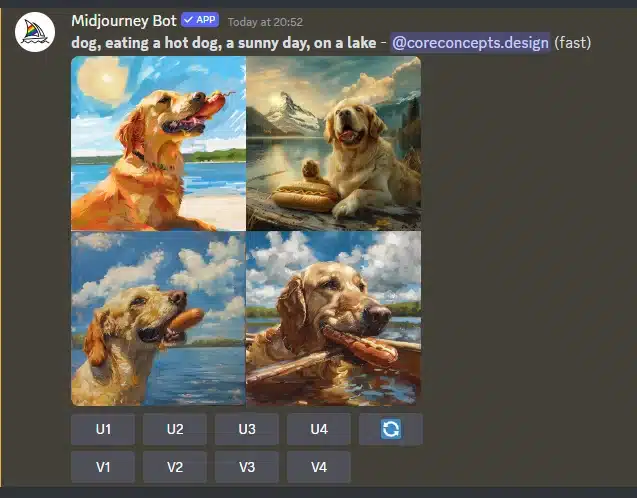
Midjourney bot reply in Discord showing a grid of four generated images of a dog on a lake, with U and V buttons beneath

Ποιες είναι οι επιλογές κάτω από τα αποτελέσματα;
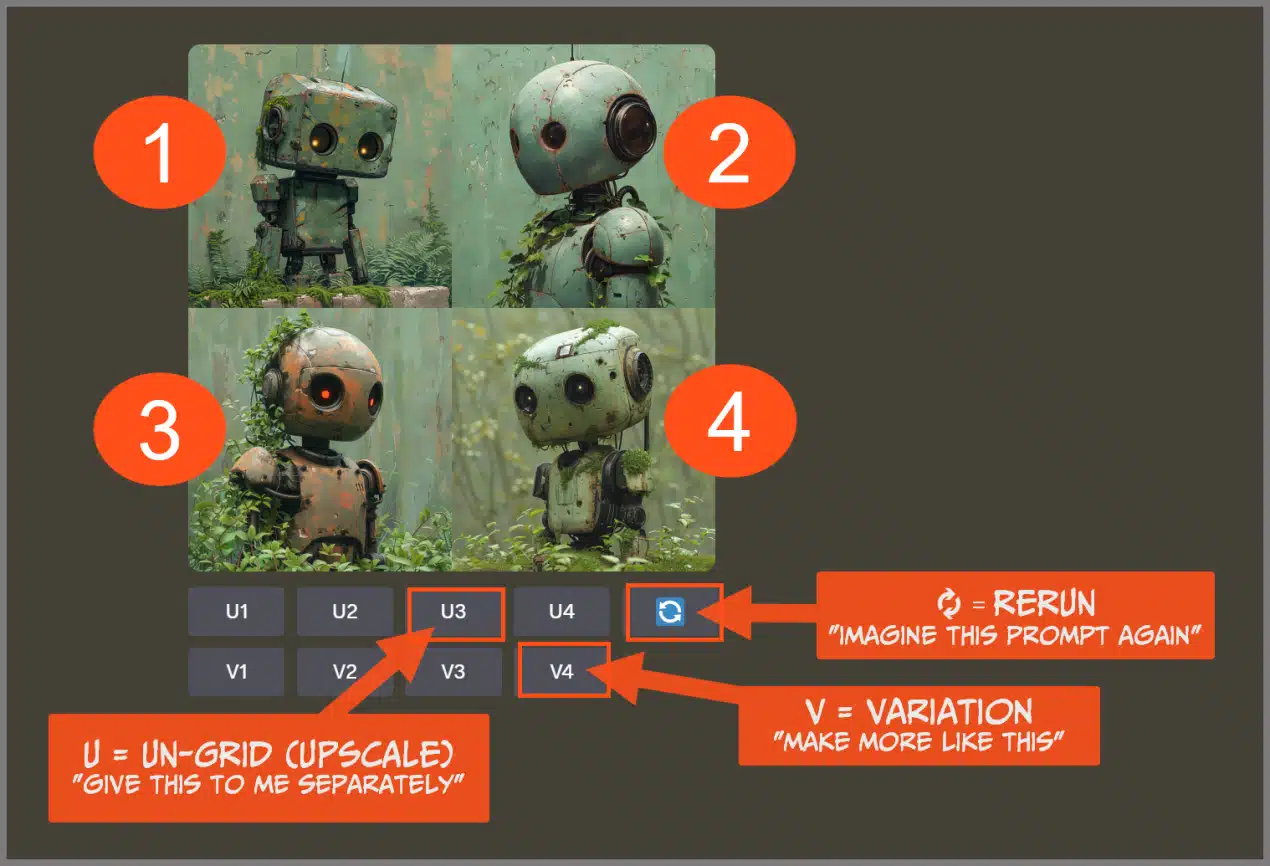
Annotated Midjourney results grid explaining that U buttons upscale an image, V buttons create variations, and the refresh button reruns the prompt

Μερικές συμβουλές για prompts, από την υποστήριξη του Midjourney, για αρχάριους.
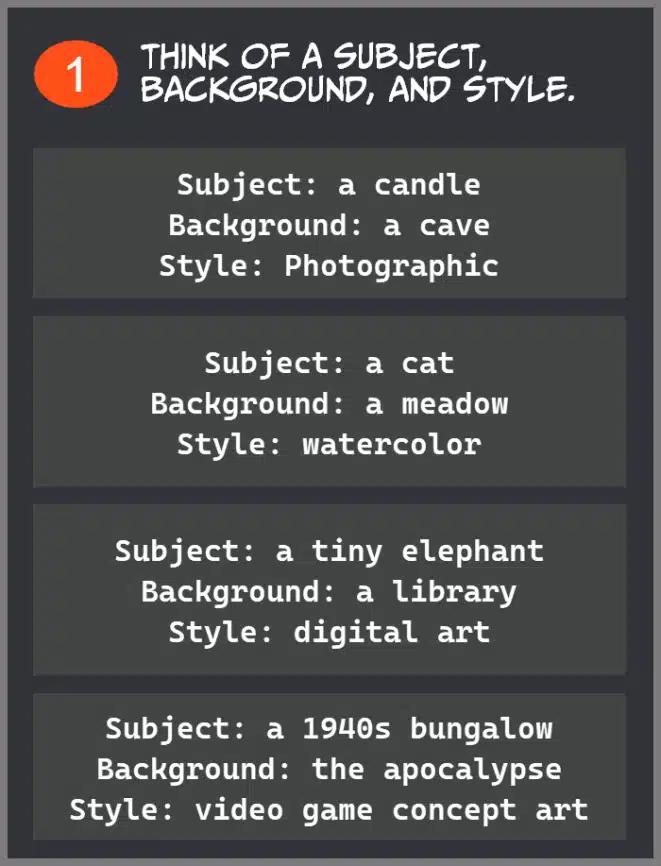
Midjourney prompting tip one: think of a subject, background and style, with examples such as a candle in a cave in photographic style
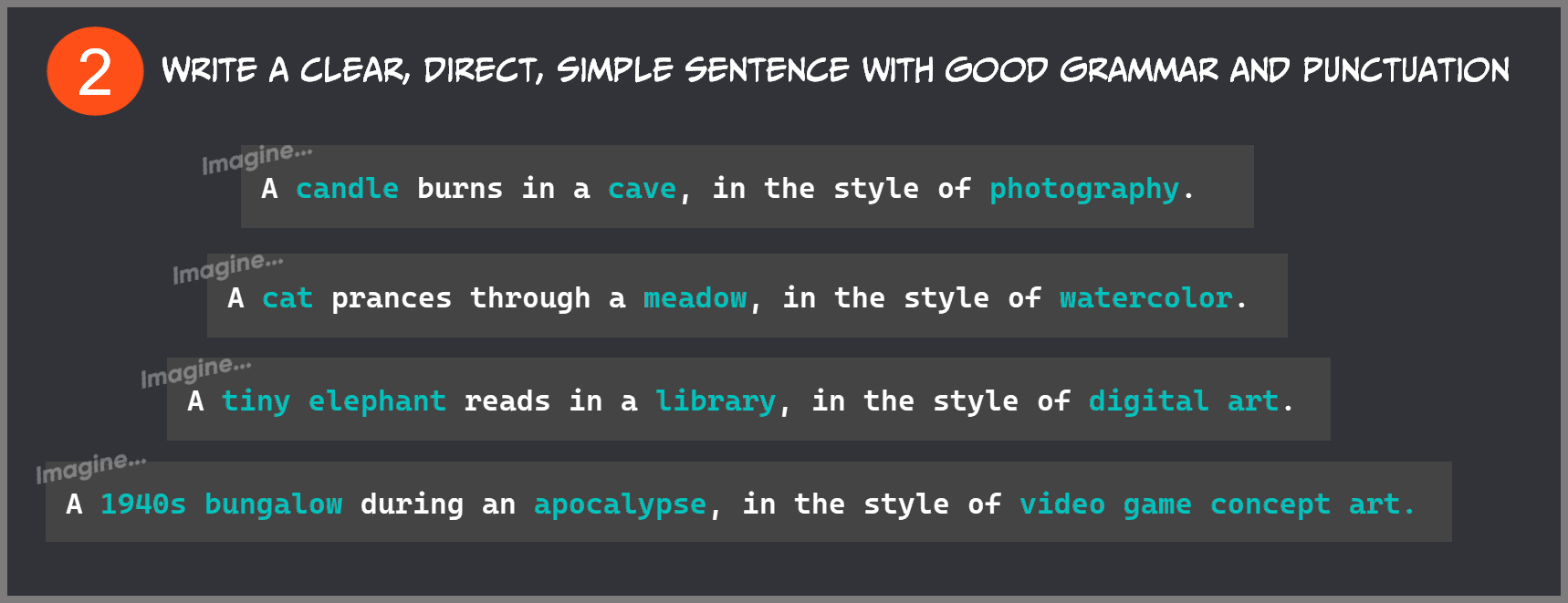
Midjourney prompting tip two: write a clear, direct, simple sentence with good grammar and punctuation, showing the example prompts written out
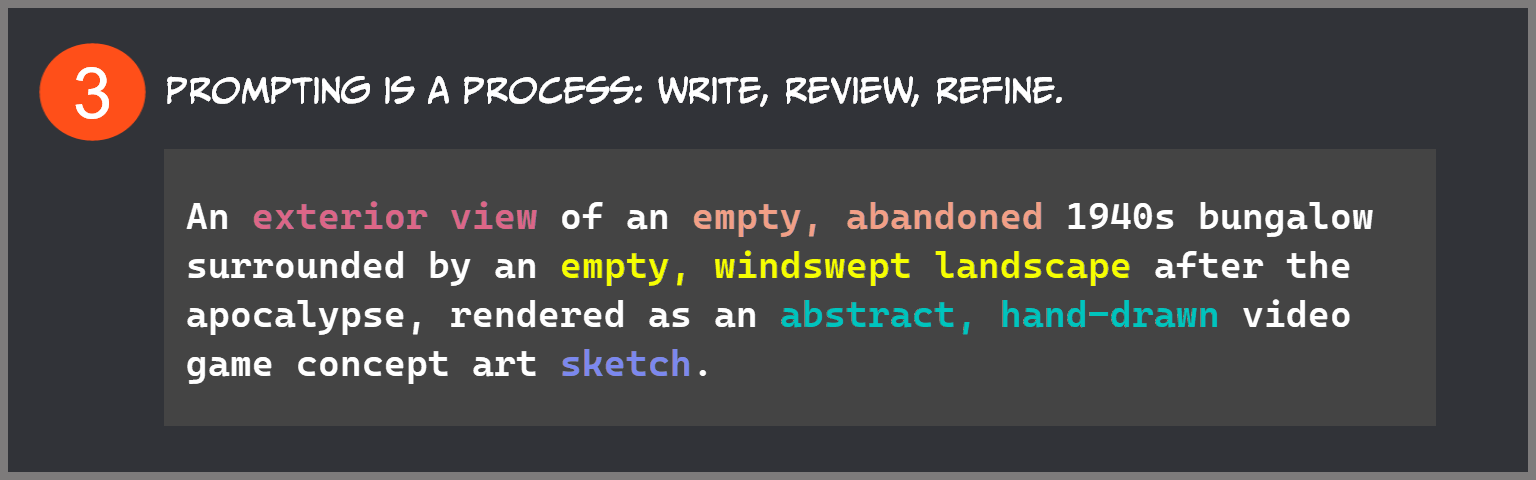
Midjourney prompting tip three: prompting is a process of writing, reviewing and refining, showing a refined prompt for an abandoned 1940s bungalow